
Scripts
Scripts give you a full programming language to orchestrate probes, loop, branch, format output, and implement any logic that declarative chains can’t express. You can write them in JavaScript or in Groovy; a new script starts in JavaScript, and the language is set per script, so both can live side by side in the same workspace.
If chains are a visual flowchart, scripts are code.
When to use scripts vs. chains
Section titled “When to use scripts vs. chains”| Chains | Scripts | |
|---|---|---|
| Runs probes | ✓ | ✓ |
| Variable extraction | ✓ | ✓ |
| Conditional logic | ✓ (CONDITION step) | ✓ |
| Arithmetic / string formatting | limited (an expression in a CONDITION step) | ✓ |
| Iteration over dynamic lists | limited (ITERATE step) | ✓ |
| Full output control | ✗ | ✓ |
Use chains when your workflow is a linear sequence with no branching. Use scripts for everything else.
Creating a script
Section titled “Creating a script”
Scripts live in a bundle, alongside probes and chains, and appear as leaves in the Project Explorer tree. Click any script to open it as an editor tab. The Explorer shows the scripts in the active project’s bundles plus any free bundle, so it re-scopes when you switch projects.
Use the + menu in the Explorer header (Add Script) to create a script; the name is required before it can be saved. The new script lands in the bundle you have selected, or in the active project’s Default bundle when nothing is selected.
You can also create scripts from the project dashboard: open the project picker in the app bar, click Project Dashboard, and click New Script in the Scripts section.
The editor
Section titled “The editor”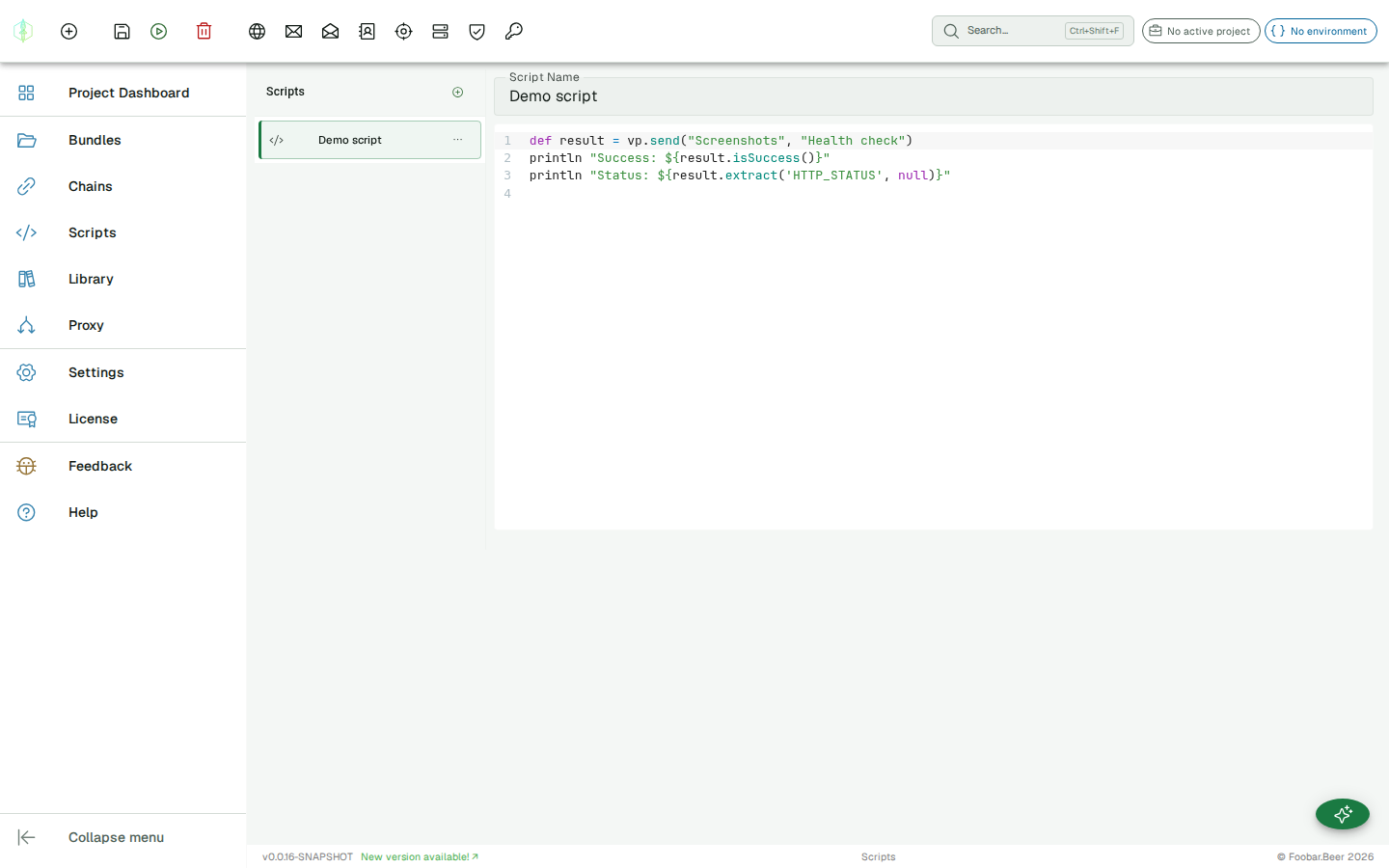
The editor is a full code editor with syntax highlighting for the script’s language, line numbers, bracket matching and code folding. It follows the app’s light/dark theme. Click Run and VirtuProbe saves the script automatically before executing it.
Autocomplete
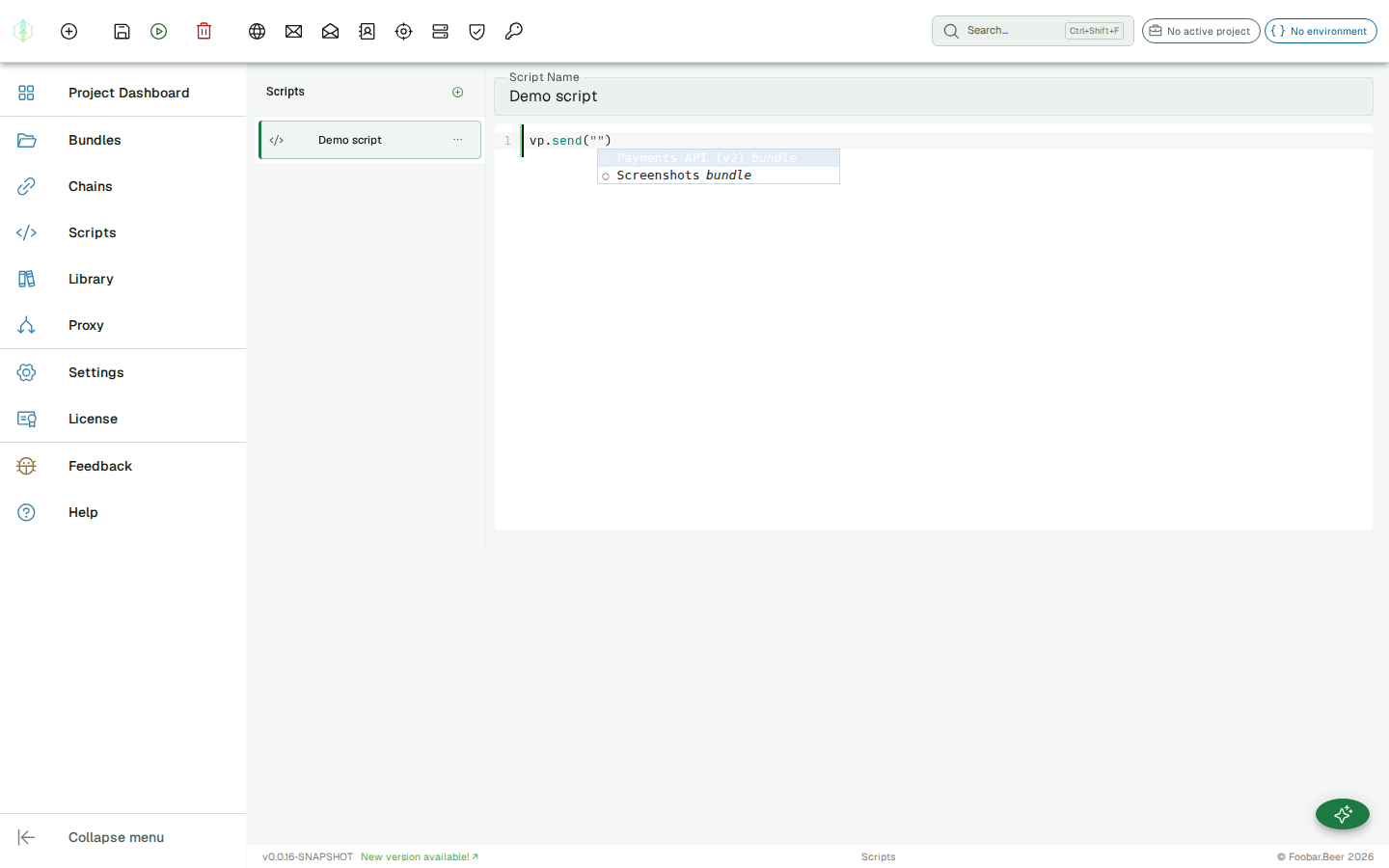
Section titled “Autocomplete”Press Ctrl+Space (or just keep typing) to get context-aware suggestions:
- after
vp.: thevp.send(...)API - inside
vp.send("…"): your bundle names, then the probe names in the chosen bundle (respecting the active project’s visibility) - inside
.extract("…"): the available extractor IDs, grouped by protocol - after
{{: the active environment’s variable names - on a result variable (e.g.
result.):VpProbeResultmembers (extract,isSuccess, and response fields likestatusCode/headers/body)
Live error checking
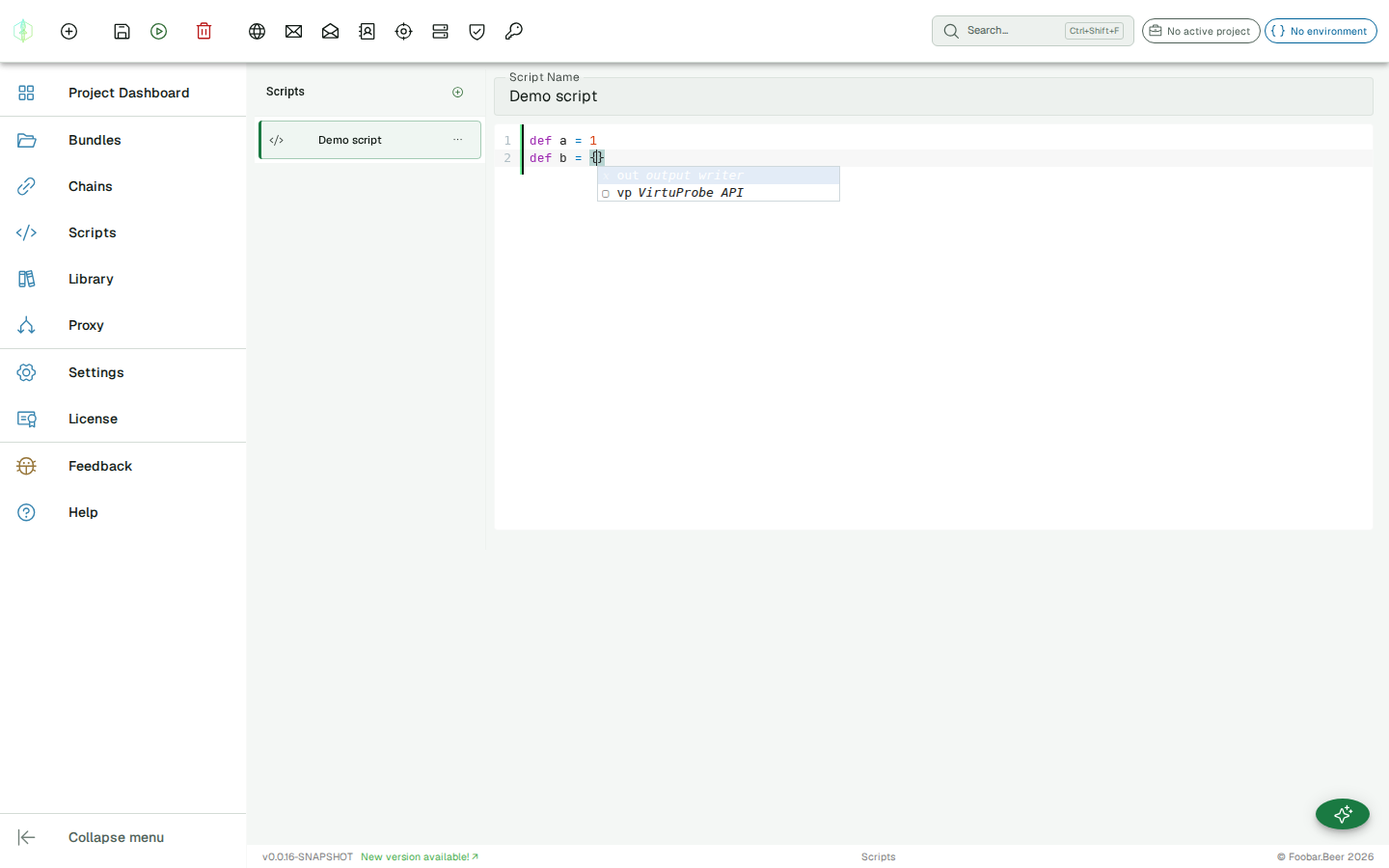
Section titled “Live error checking”The editor checks your script as you type and underlines syntax errors in place, with the compiler message on hover, so you catch mistakes before you run. The check is compile-only; it never executes your script.
Keyboard shortcuts
Section titled “Keyboard shortcuts”- Ctrl+S: save
- Ctrl+Enter: save and run
The vp API
Section titled “The vp API”Every script has a vp object injected into scope. It sends probes, hands values back to whatever is running the script, and states verdicts.
vp.send(bundleName, probeName)
Section titled “vp.send(bundleName, probeName)”Sends a probe using its saved configuration and returns a VpProbeResult. The first argument is the bundle name, the container the probe lives in.
def result = vp.send("My Bundle", "Health check")println result.isSuccess()vp.send(bundleName, probeName, variables)
Section titled “vp.send(bundleName, probeName, variables)”Sends a probe with variable overrides. Variables are merged on top of any active environment variables. Pass a map literal in Groovy, or a plain object in JavaScript.
def result = vp.send("My Bundle", "Actuator metric", [stage: "dns.check"])The variable map uses the same {{variableName}} substitution as chains and environments, so any field in the probe that contains {{stage}} will have it replaced with "dns.check" at runtime.
vp.set(name, value)
Section titled “vp.set(name, value)”Exports a value under a name. A chain step merges it into the chain’s variables, a suite setup entry passes it to the entries that follow, and a skill resolves it as a declared output.
def result = vp.send("Orders", "Create order")vp.set("orderId", result.extract("HTTP_JSON_PATH", "$.id"))A later step in the same chain then reads {{orderId}} like any other variable.
Call it again with the same name and the last call wins. A null value is stored as an empty string, so a name you set is always a name that exists.
vp.check(label, condition)
Section titled “vp.check(label, condition)”States a verdict. The label is what the check is called in reports.
vp.check("order was created", result.isSuccess())A failed check fails the step and the chain, and does not stop the script. Every check after it still runs and still reports, the same way a chain reports every ASSERT step rather than stopping at the first one.
A script that checks nothing is not a passing test. It runs, it reports success, and it contributes no verdict, so a suite containing only such scripts finishes green and exits inconclusive rather than passing. That is the same rule a headless run applies to a suite of skipped chains.
vp.checkEquals(label, expected, actual)
Section titled “vp.checkEquals(label, expected, actual)”States a verdict and records both sides, so a failure says what it got as well as what it wanted.
vp.checkEquals("status", 200, result.extract("HTTP_STATUS", null))Comparison is by text, so 200 and "200" agree.
VpProbeResult
Section titled “VpProbeResult”vp.send() returns a VpProbeResult. It exposes two methods:
.extract(extractorId, expression)
Section titled “.extract(extractorId, expression)”Extracts a value from the response using any of the built-in extractor types.
def status = result.extract("HTTP_STATUS", null)def token = result.extract("HTTP_JSON_PATH", "$.data.token")def body = result.extract("HTTP_BODY_RAW", null)Pass null as the expression for extractors that don’t use it (HTTP_STATUS, HTTP_BODY_RAW, SMTP_SUCCESS, etc.).
.isSuccess()
Section titled “.isSuccess()”Returns true if the probe executed without assertion failures. Delegates to the protocol’s _SUCCESS extractor.
if (!result.isSuccess()) { println "Probe failed!"}Output
Section titled “Output”println writes to the Output panel below the editor. The full output of the script run is shown there after execution completes.
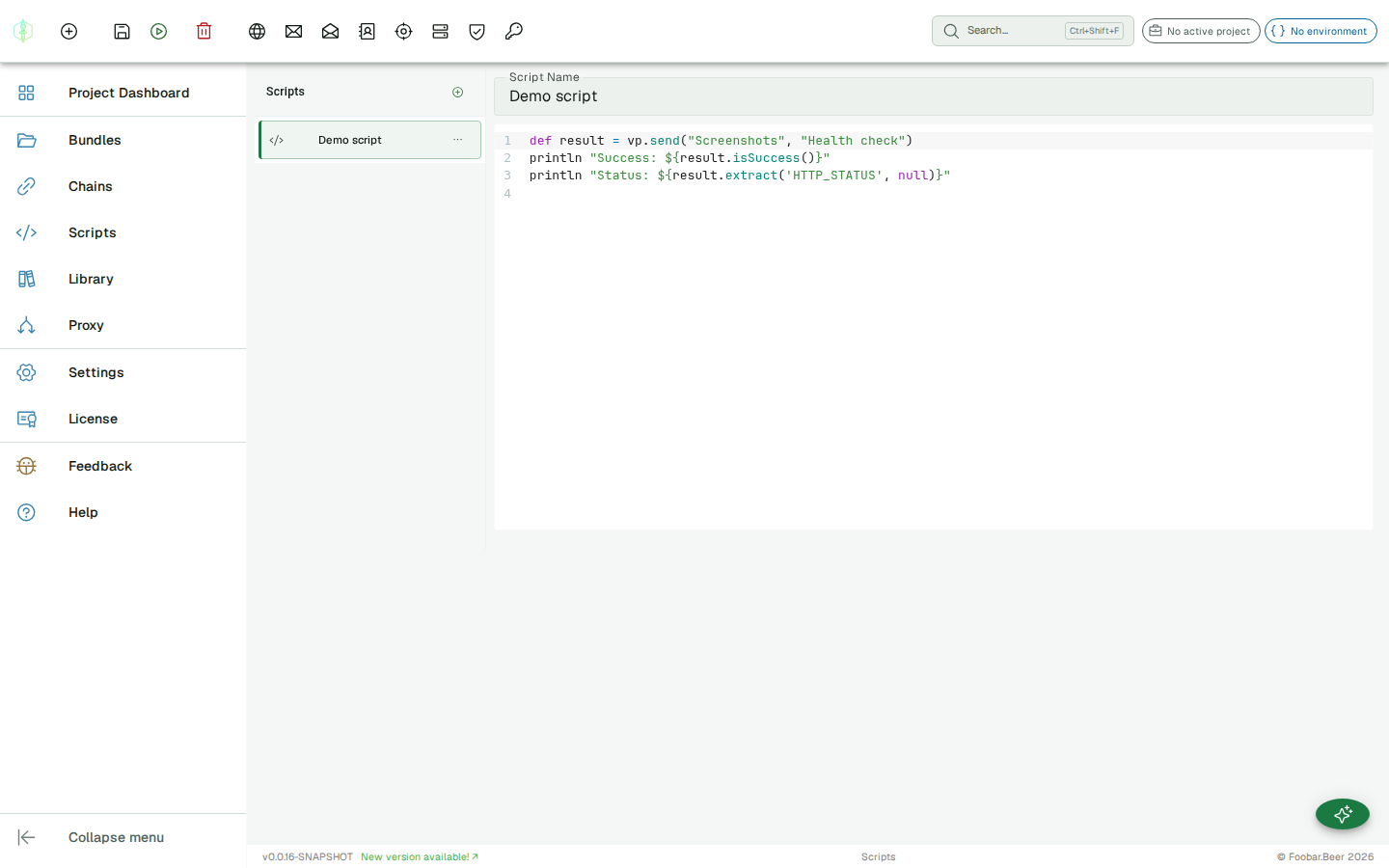
println "Starting scan..."println "Done. ${count} items processed."Full example: benchmarking API stages
Section titled “Full example: benchmarking API stages”A common shape: iterate over a list of stage names, query an HTTP actuator endpoint for each, and print a formatted report.
Assume you have an HTTP probe named "Actuator metric" in bundle "Backend" with the URL http://localhost:8080/actuator/metrics/domain.check.stage?tag=stage:{{stage}}.
def stages = [    "processing",    "dns.checkDomainHasARecord",    "dns.checkDNS",    "html.checkHTML",    "evaluation.evaluateFinalDomainStatusForMemos"]
stages.each { stage ->    def r = vp.send("Backend", "Actuator metric", [stage: stage])
    def count = r.extract("HTTP_JSON_PATH",        '$.measurements[?(@.statistic=="COUNT")].value[0]')    def total = r.extract("HTTP_JSON_PATH",        '$.measurements[?(@.statistic=="TOTAL_TIME")].value[0]')    def max   = r.extract("HTTP_JSON_PATH",        '$.measurements[?(@.statistic=="MAX")].value[0]')
    if (count && count != "0") {        def avg   = (total.toDouble() / count.toDouble() * 1000).toLong()        def maxMs = (max.toDouble() * 1000).toLong()        println "${stage}: count=${count}  avg=${avg}ms  max=${maxMs}ms"    } else {        println "${stage}: no data"    }}
Example output:
processing: count=142 avg=23ms max=890msdns.checkDomainHasARecord: count=142 avg=48ms max=310msdns.checkDNS: no datahtml.checkHTML: count=89 avg=195ms max=1240msevaluation.evaluateFinalDomainStatusForMemos: count=142 avg=7ms max=44msError handling
Section titled “Error handling”If the script throws an exception, including a syntax error, the Error panel shows the exception message. Output produced before the error is still visible.
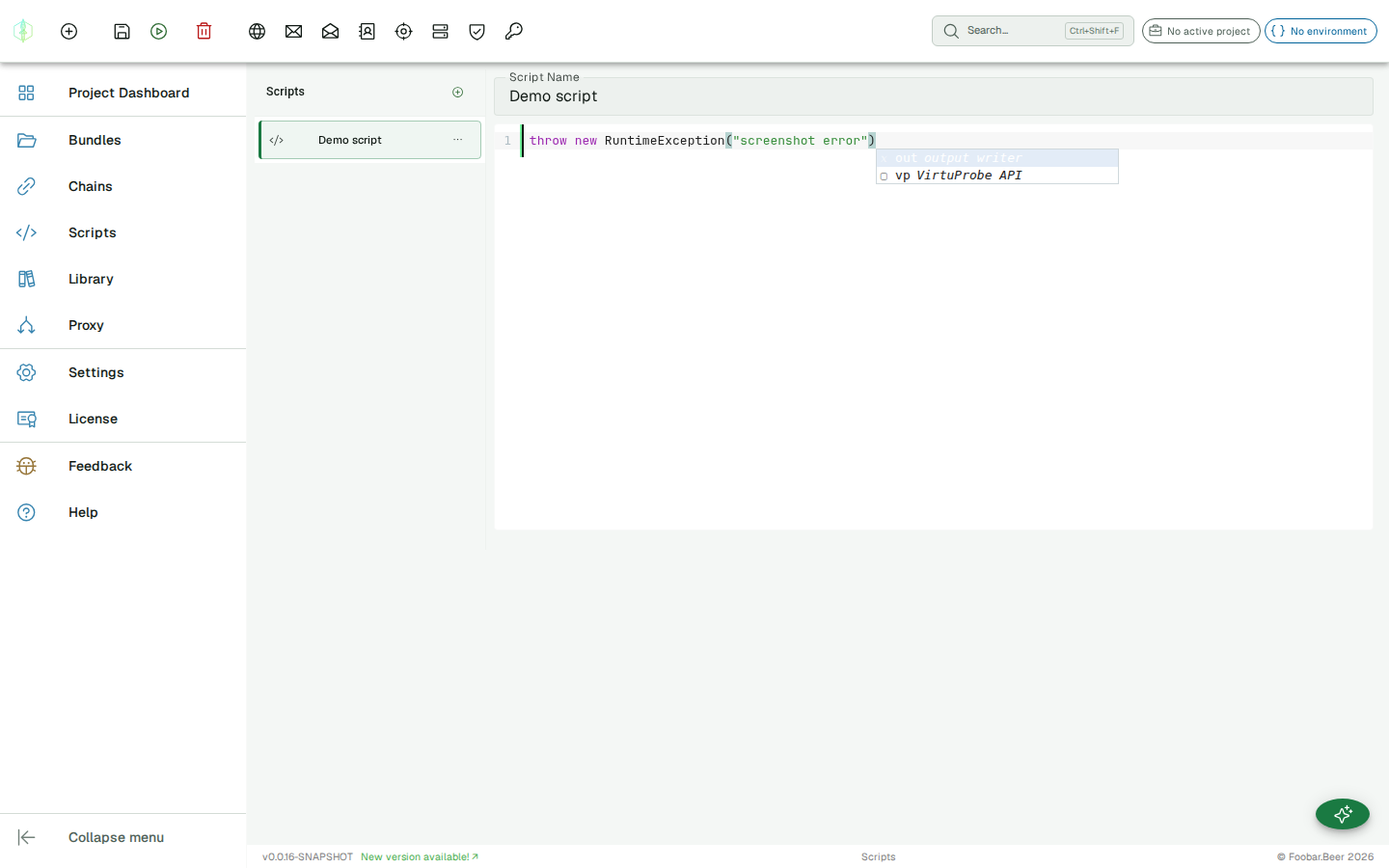
// If "My Bundle" does not exist, vp.send() throws:// IllegalArgumentException: Bundle not found: My Bundledef r = vp.send("My Bundle", "Health check")What the languages give you
Section titled “What the languages give you”The examples on this page are Groovy. The same vp API is bound in JavaScript, so a script reads the
same way in either language.
Groovy scripts run inside a standard GroovyShell, and the full Groovy language is available:
closures, GStrings, collection methods, regular expressions, and more. JavaScript scripts run on
GraalJS. Neither engine can pull in third-party libraries, so Groovy @Grab and JavaScript require
or import are unavailable; everything a script needs comes from the vp binding and the language
itself.
// GStringsprintln "Status: ${result.extract('HTTP_STATUS', null)}"
// Closures and collection methodsdef statuses = probeNames.collect { name ->    vp.send("My Bundle", name).isSuccess()}
// Multi-line stringsdef body = """{  "action": "verify",  "token": "${token}"}"""
Extractors reference
Section titled “Extractors reference”All extractor types available in chains are also available in scripts via .extract(). See the full Extractors reference.
| Extractor ID | Protocol | Expression |
|---|---|---|
HTTP_STATUS | HTTP | (none) |
HTTP_JSON_PATH | HTTP | JSONPath string |
HTTP_BODY_RAW | HTTP | (none) |
HTTP_HEADER | HTTP | Header name (case-insensitive) |
SMTP_SUCCESS | SMTP | (none) |
SMTP_EXCHANGE_LINES | SMTP | Command string |
IMAP_SUCCESS | IMAP | (none) |
IMAP_EXCHANGE_LINES | IMAP | Command string |
LDAP_SUCCESS | LDAP | (none) |
LDAP_EXCHANGE_RESULT_CODE | LDAP | Operation prefix |
DNS_SUCCESS | DNS | (none) |
DNS_ANSWER_VALUE | DNS | Question prefix (e.g. A example.com) |
REGEX | any | Regex with one capture group |
CONSTANT | any | Literal string value |