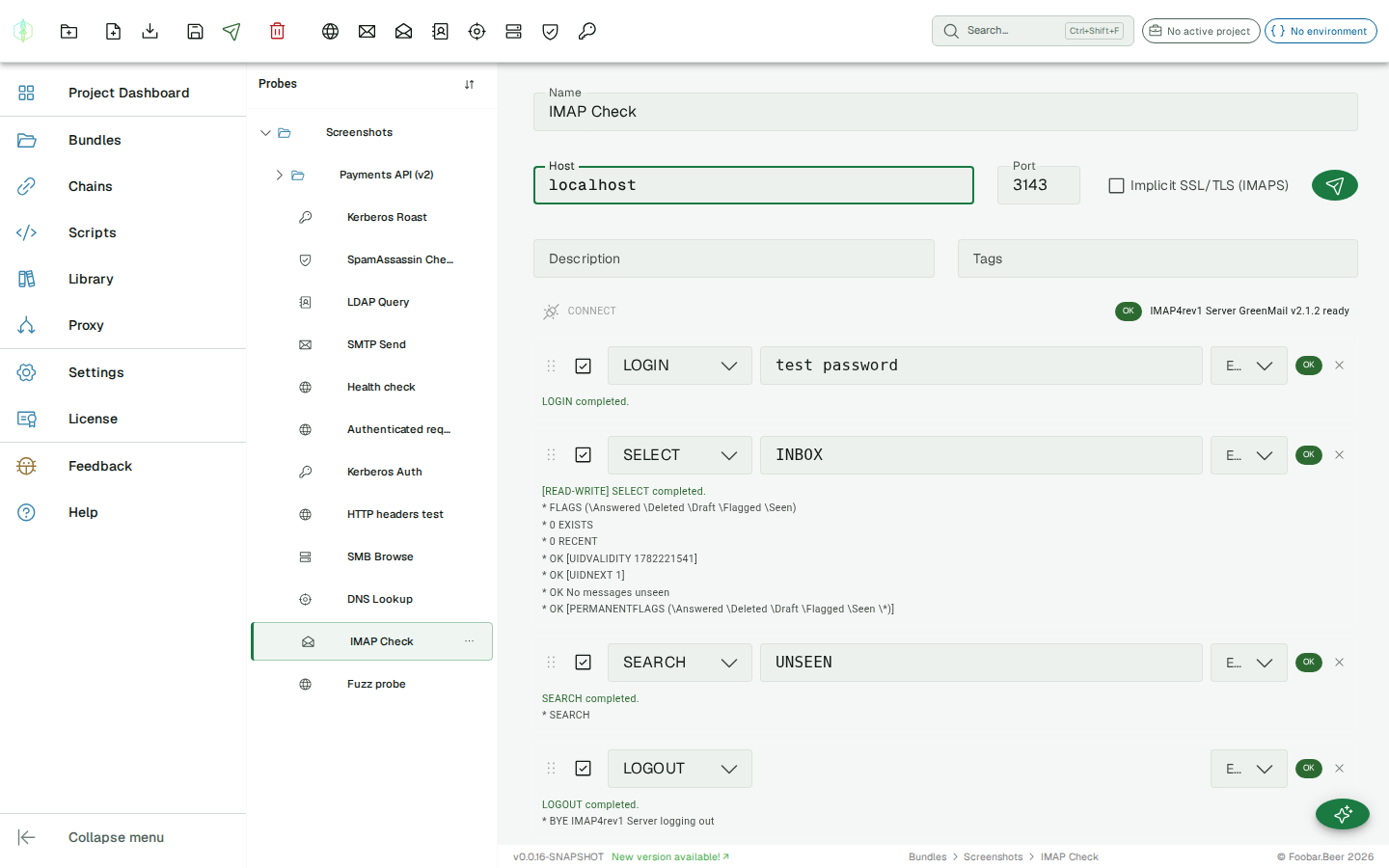
IMAP probe
The IMAP probe has two modes: an Action form for the common case, and an Advanced command sequence for full control. Switch with the Action / Advanced toggle above the editor; new probes open in Action mode.
Action Mode: Find / verify message
Section titled “Action Mode: Find / verify message”The everyday question is “did the email arrive, and what’s in it?”, rather than “how do I drive a SELECT then a SEARCH then a FETCH?”. Action mode answers it directly.
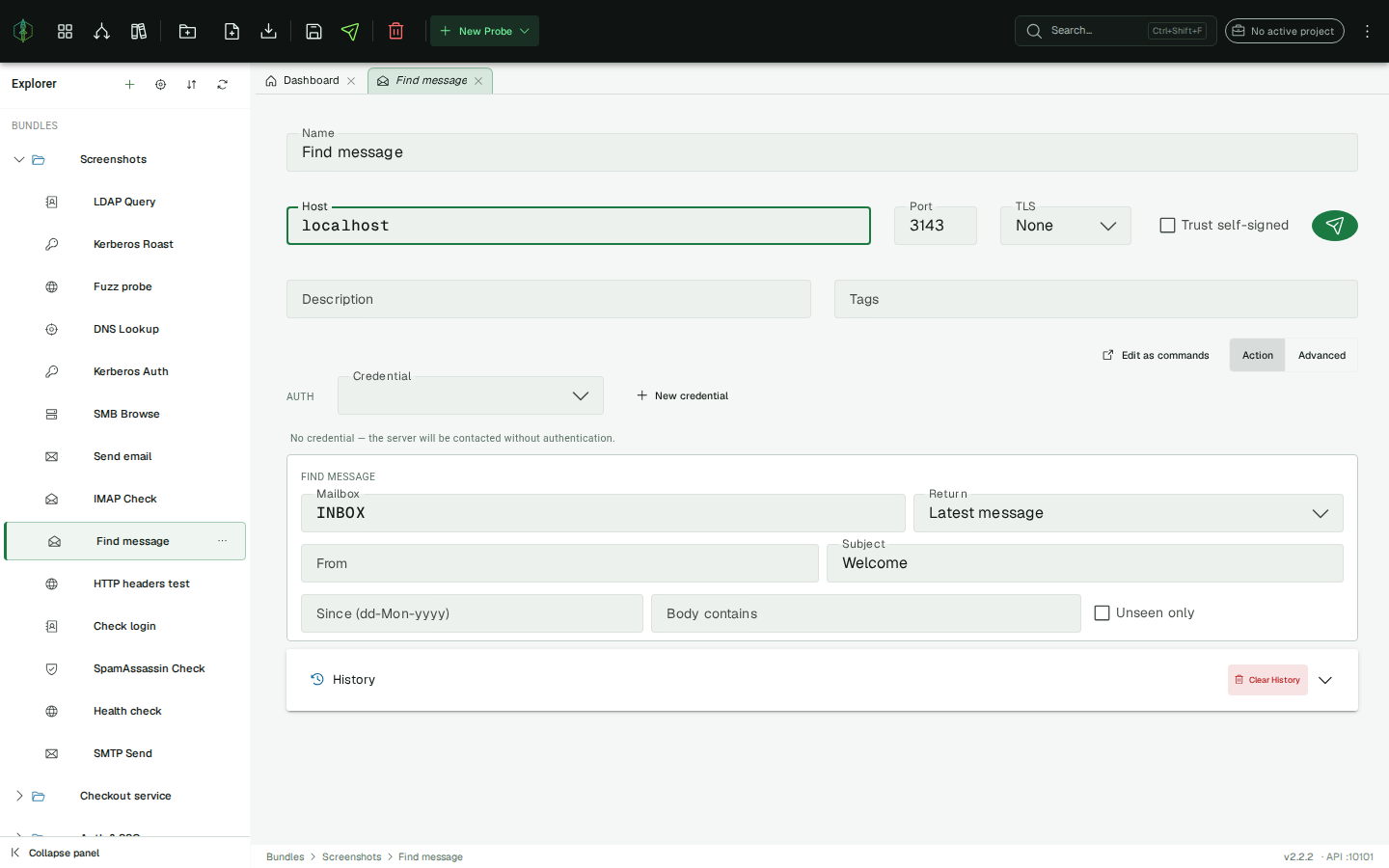
| Field | Description |
|---|---|
| Host / Port | IMAP server and port (143, 993) |
| TLS | None, STARTTLS, or Implicit (SSL) |
| Auth | A credential from the credential store, used for the IMAP LOGIN (the password never touches the probe) |
| Mailbox | Defaults to INBOX |
| Filters | From / Subject / Since / Body-contains / Unseen. Any subset becomes the SEARCH criteria |
| Return | Message exists?, Match count, Latest message, or Latest header |
VirtuProbe runs LOGIN → SELECT → SEARCH → [FETCH] for you. The FETCH target is chosen from the search result at run time, which is why this is easier than driving the raw commands, where you’d have to run the SEARCH, read the returned message ids, and build the FETCH yourself.
Success = a message was found (for Message exists? / Latest …); Match count reports the number and succeeds even at zero. The LOGIN password is masked in the recorded conversation.
Extract a code from the email (chaining)
Section titled “Extract a code from the email (chaining)”Two extractors make Action mode the backbone of an email-verification chain:
IMAP_MATCH_COUNT: the number of matched messages (assert>= 1to confirm delivery).IMAP_MESSAGE: the fetched message content (withLatest message/Latest header). Feed it into aREGEXextractor to pull a confirmation code or activation link out of the email body.
A typical chain: HTTP signup → IMAP find the welcome mail (Latest message) → IMAP_MESSAGE → REGEX code[:\s]+(\d{6}) → use {{code}} in the next step.
Edit as commands reconstructs the command list from the form and switches to Advanced (the FETCH id is a placeholder, since the real one is dynamic).
Advanced Mode: command sequence
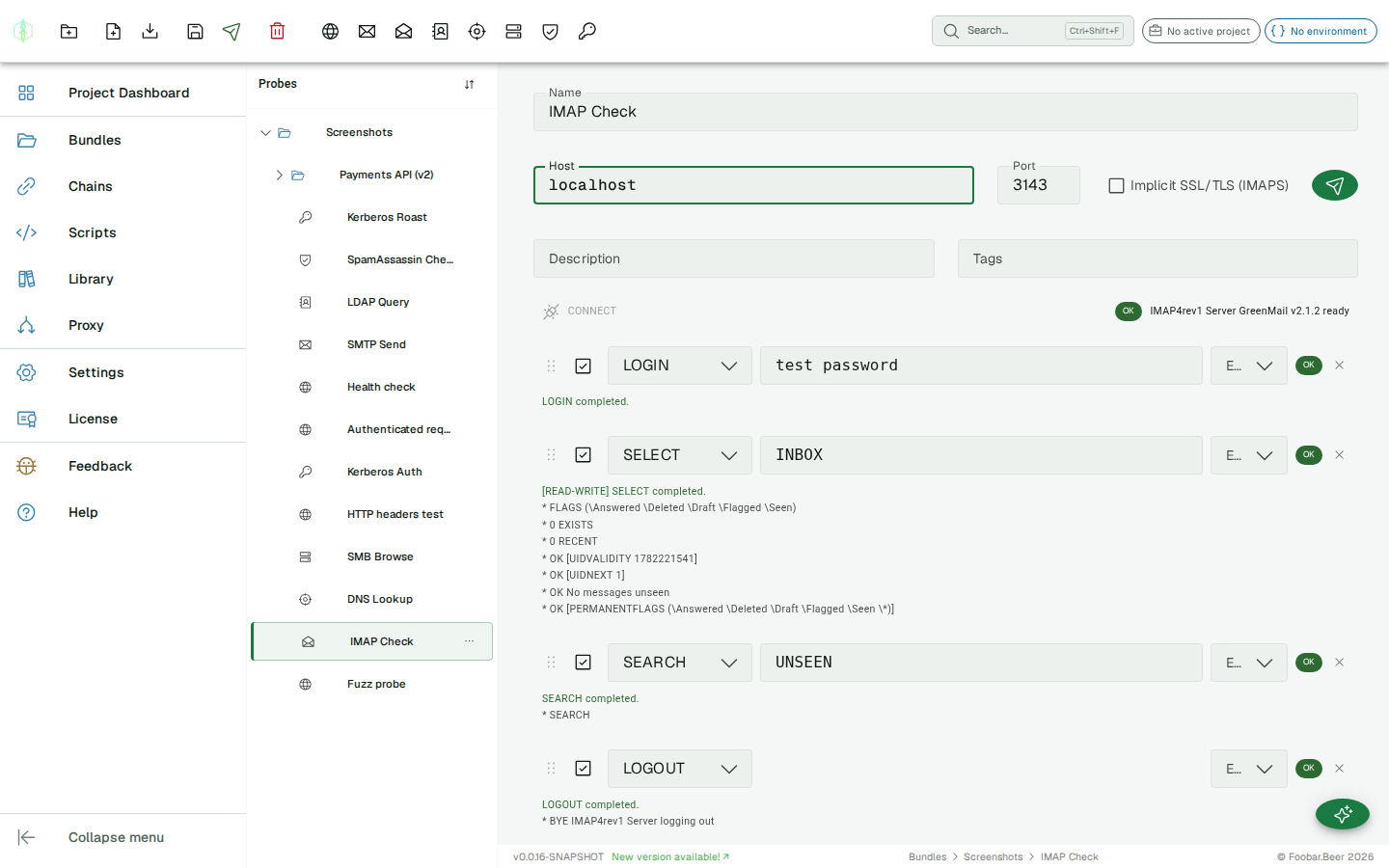
Section titled “Advanced Mode: command sequence”The IMAP probe sends a sequence of IMAP commands to a mail server. Each command is configured individually and the server’s tagged and untagged responses are recorded.
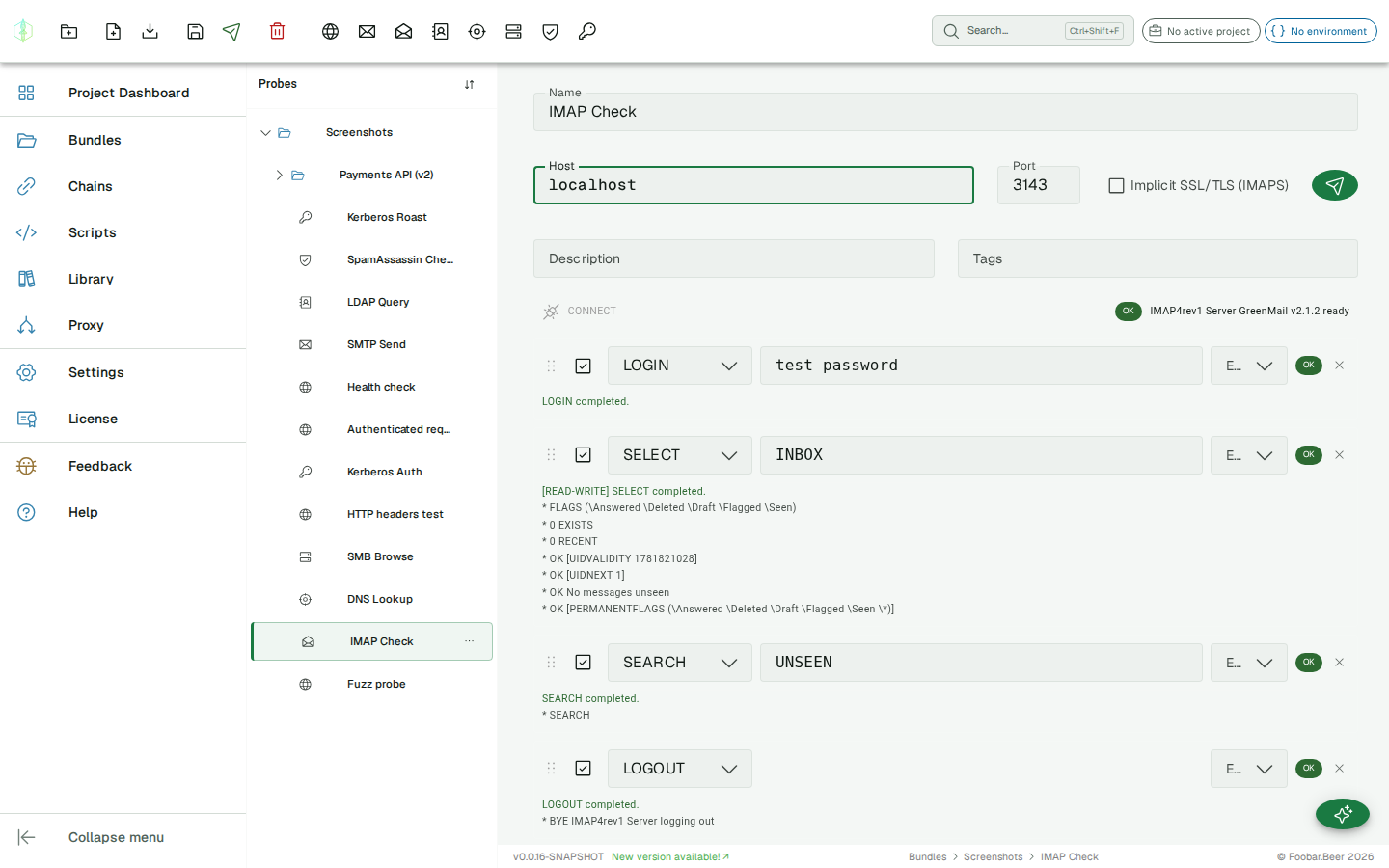
Connection settings
Section titled “Connection settings”| Field | Description |
|---|---|
| Host | IMAP server hostname or IP |
| Port | Server port (common: 143, 993) |
| SSL/TLS | Connect with IMAPS (port 993) |
| Trust self-signed | Skip certificate validation for a self-signed or private-CA certificate (covers implicit TLS and STARTTLS). Off by default; use only for hosts you trust. |
Commands
Section titled “Commands”Common IMAP command types:
| Command | Description |
|---|---|
LOGIN | Authenticate with username and password |
LIST | List available mailboxes |
SELECT | Open a mailbox |
SEARCH | Search for messages matching criteria |
FETCH | Retrieve message data (headers, body, flags) |
LOGOUT | Close the session |
Assertions
Section titled “Assertions”Set an expected response tag on any command. If the server returns a different result, the history entry is marked as failed.
Variable substitution
Section titled “Variable substitution”{{variable}} placeholders are supported in the host field and in each command’s data field.
History
Section titled “History”The history panel shows untagged server lines for each command exchange. Commands are matched to history entries by their command string.