
License activation
After installing VirtuProbe Studio, activate your license to unlock your subscription tier. Without activation, VirtuProbe runs in Free mode: community library only, basic protocols, no fuzzing or MITM proxy.
Activating your license
Section titled “Activating your license”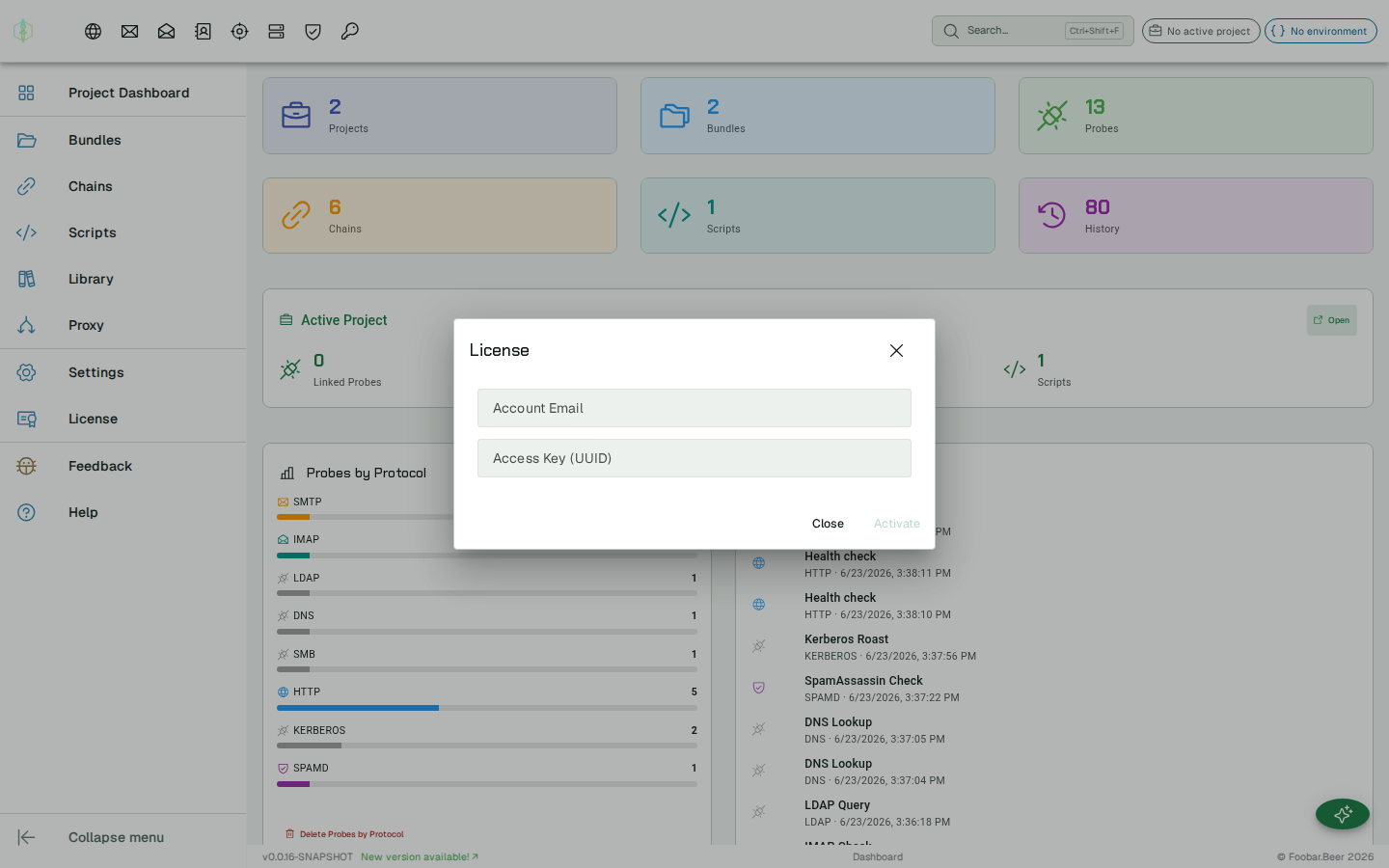
Open the menu (top-right) and click License. In the activation panel, enter:
| Field | Description |
|---|---|
| The email address associated with your Paddle subscription | |
| License key | The UUID license key from your subscription confirmation email |
Click Activate. VirtuProbe contacts the license server, verifies your key, and updates the dashboard panel to show your subscription tier.
If activation fails
Section titled “If activation fails”The panel tells you which of these happened, and a failed activation leaves the license you already have in place.
| Message | What it means |
|---|---|
| This email and access key do not match a license | The license server has no license for that pair. Check both against your subscription confirmation email. |
| This license has expired | The license reached its end date. |
| This license is not active | The subscription is cancelled or paused. Check it in your account. |
| This license is already active on the maximum number of devices | The license is in use on as many installations as it allows, and the message gives that number. |
| Could not reach the license server | VirtuProbe got no answer from license.virtuprobe.studio. Check that your machine can reach it. |
What activation unlocks
Section titled “What activation unlocks”| Tier | Protocols | Features | Library |
|---|---|---|---|
| Free | HTTP, DNS, SMTP | Chaining | Community collections |
| Engineering | + IMAP, LDAP, MySQL, MongoDB, PostgreSQL, SQL Server, Redis, FTP, SpamAssassin | + Scripting, Enterprise auth, MITM proxy, Mocking, MCP server, Suites, Skills | + Integrations, Cloud integrations, Infrastructure |
| Security | + SMB, Kerberos, Freestyle | + Fuzzing | All collections |
| Enterprise | All | + SSO | All collections |
Free tier: unlimited probes, bundles and chains.
Dashboard panel
Section titled “Dashboard panel”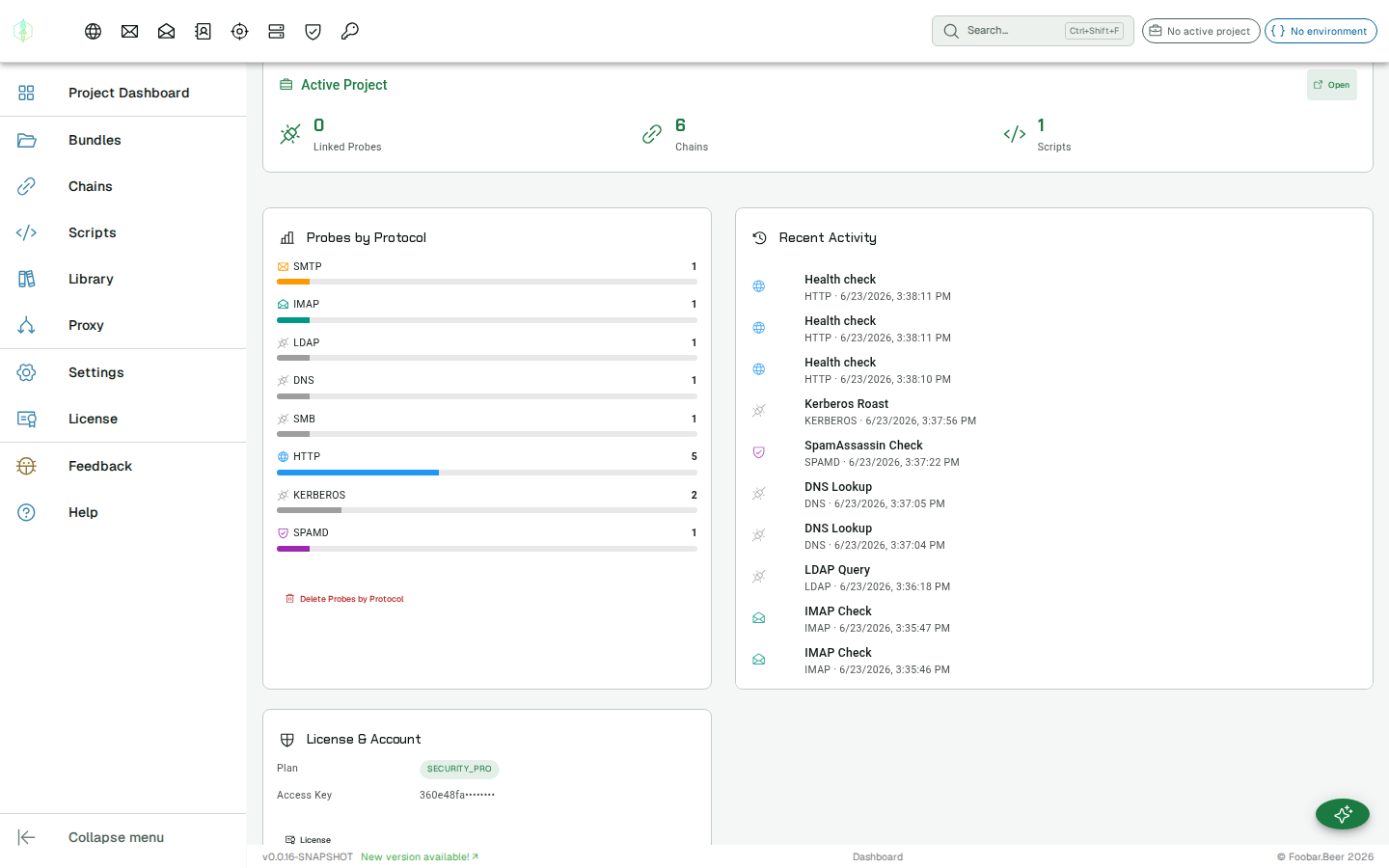
The license panel in the dashboard shows your current tier chip and masked email. If VirtuProbe cannot reach the license server at startup, it falls back to Free mode and retries the next time the panel is opened.