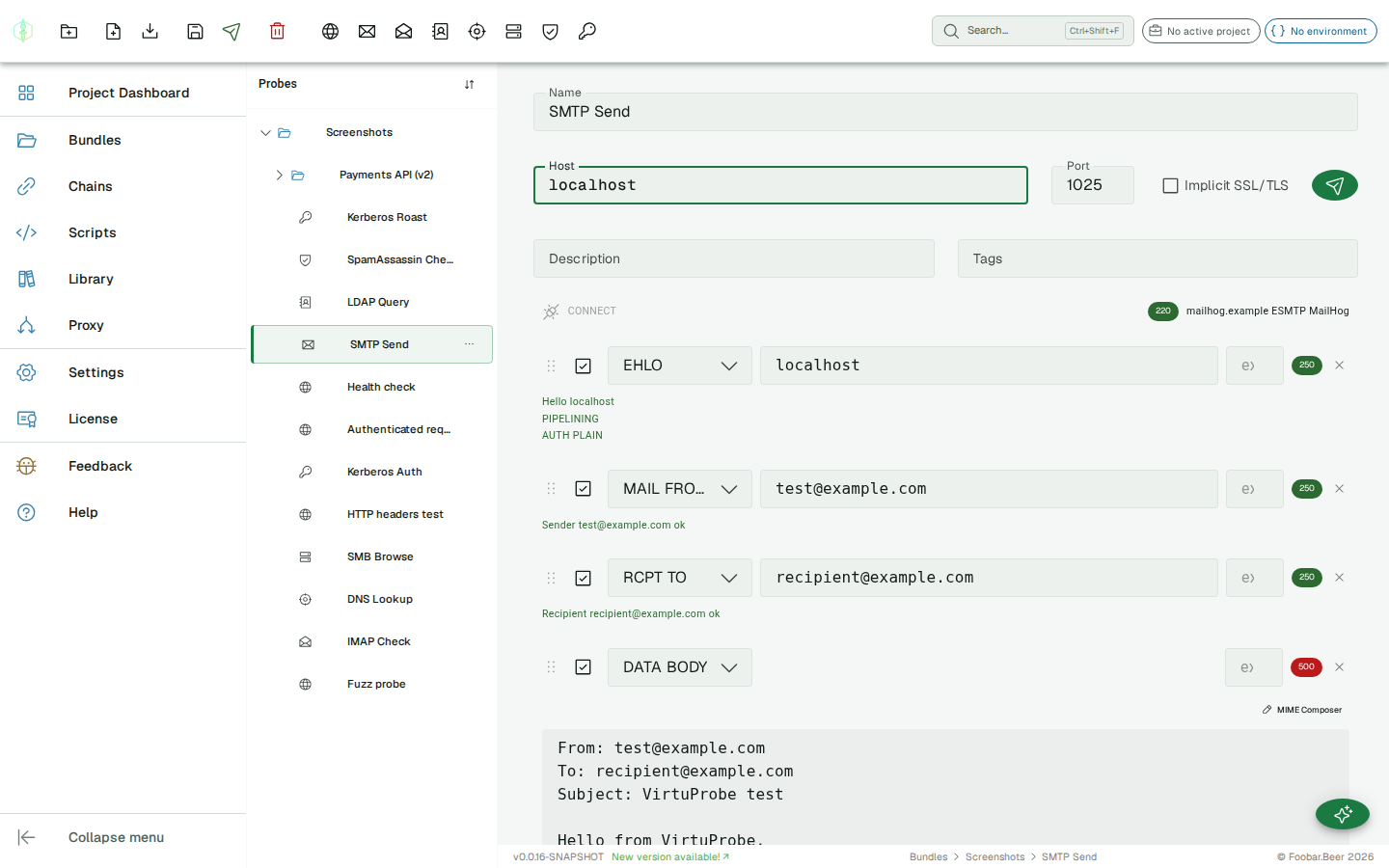
SMTP probe
The SMTP probe has two modes:
- Action mode (the default) is an outcome form. State what you want delivered (From / To / Subject / Body) and VirtuProbe drives the whole
EHLO → STARTTLS → AUTH → MAIL FROM → RCPT TO → DATA → QUIThandshake for you. No need to know the protocol. - Advanced mode: a manually crafted command sequence. Each command is configured individually, giving you full control over the exchange (fuzzing, exact bytes, malformed sequences).
Switch between them with the Action / Advanced toggle above the editor. New probes open in Action mode.
Action Mode: Send email
Section titled “Action Mode: Send email”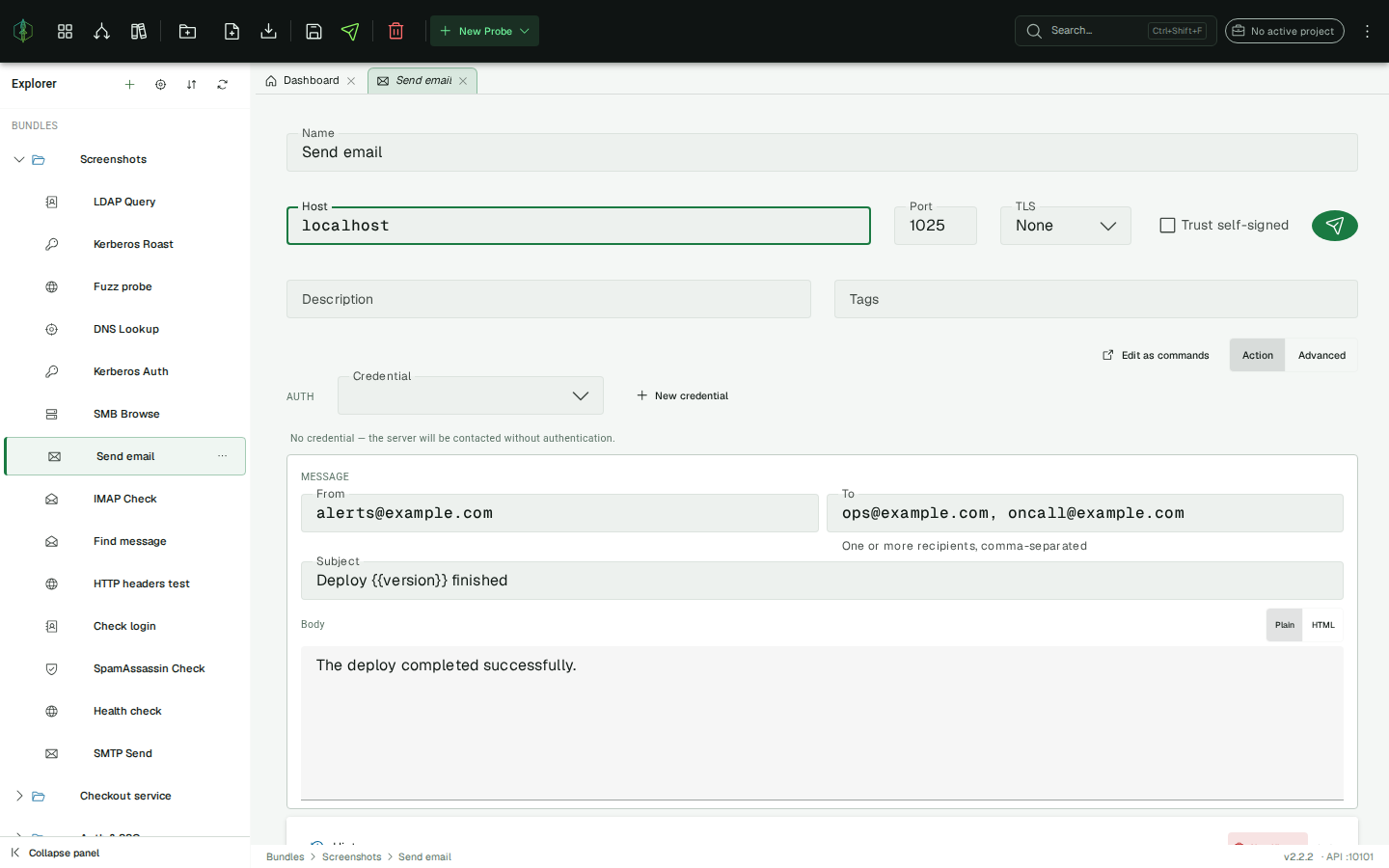
Fill in the message and send:
| Field | Description |
|---|---|
| Host / Port | SMTP server and port (25, 587, 465) |
| TLS | None, STARTTLS, or Implicit (SSL) |
| Auth | A credential from the credential store (optional). SMTP AUTH PLAIN is sent when a credential is selected; the password never touches the probe |
| From | Envelope sender + From: header |
| To | One or more recipients, comma-separated (each becomes its own RCPT TO) |
| Subject | Message subject |
| Body | Message body, with a Plain / HTML toggle (sets the Content-Type) |
The probe succeeds only if the whole conversation stays positive. A rejected recipient or a failed auth (a 4xx/5xx reply) fails the probe. The compiled exchange is shown read-only below the form as evidence, with the AUTH payload masked.
{{variables}} are supported in every field (From/To/Subject/Body/Host), so a chain can send Deploy {{version}} finished to {{oncall}}.
Edit as commands reconstructs the command sequence from the form and switches to Advanced mode, ready to tweak (a good way to learn what the form actually sends).
Advanced Mode: command sequence
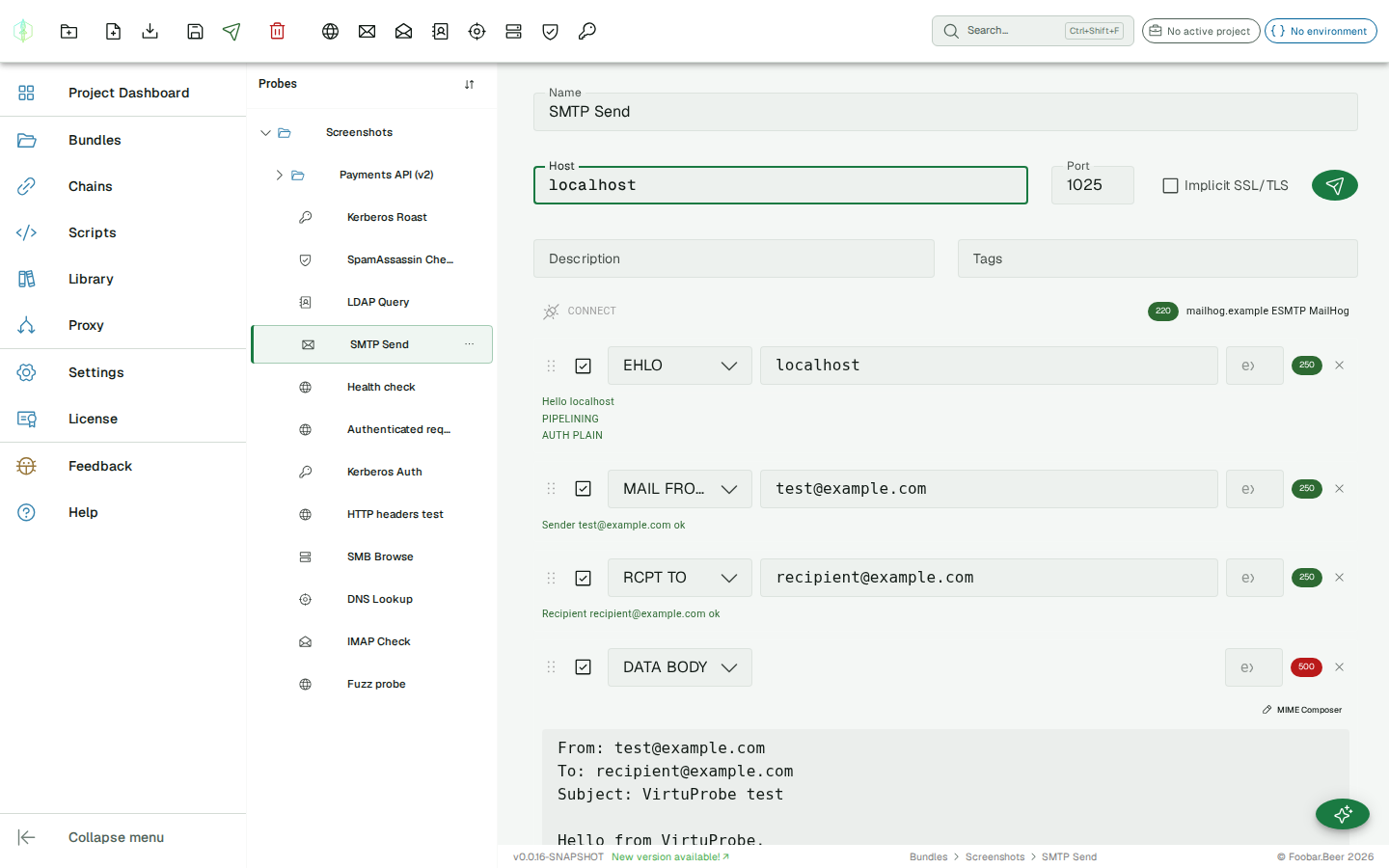
Section titled “Advanced Mode: command sequence”The SMTP probe sends a manually crafted SMTP command sequence to a mail server. Each command is configured individually, giving you full control over the protocol exchange, including AUTH, STARTTLS and raw DATA body composition.
Connection settings
Section titled “Connection settings”| Field | Description |
|---|---|
| Host | SMTP server hostname or IP |
| Port | Server port (common: 25, 587, 465) |
| SSL/TLS | Connect with SSL/TLS from the start (port 465) |
| Trust self-signed | Skip certificate validation for a self-signed or private-CA certificate (covers implicit TLS and STARTTLS). Off by default; use only for hosts you trust. |
Commands
Section titled “Commands”Each command in the sequence represents one SMTP dialogue step. Commands are sent in order and the server’s response is recorded for each.
Common command types:
| Command | Description |
|---|---|
EHLO / HELO | Greeting and capability negotiation |
STARTTLS | Upgrade connection to TLS |
AUTH | Authenticate (PLAIN or LOGIN) |
MAIL FROM | Set the envelope sender |
RCPT TO | Set the envelope recipient |
DATA / DATA_BODY | Open data phase / send message body |
QUIT | Close the session |
AUTH helper
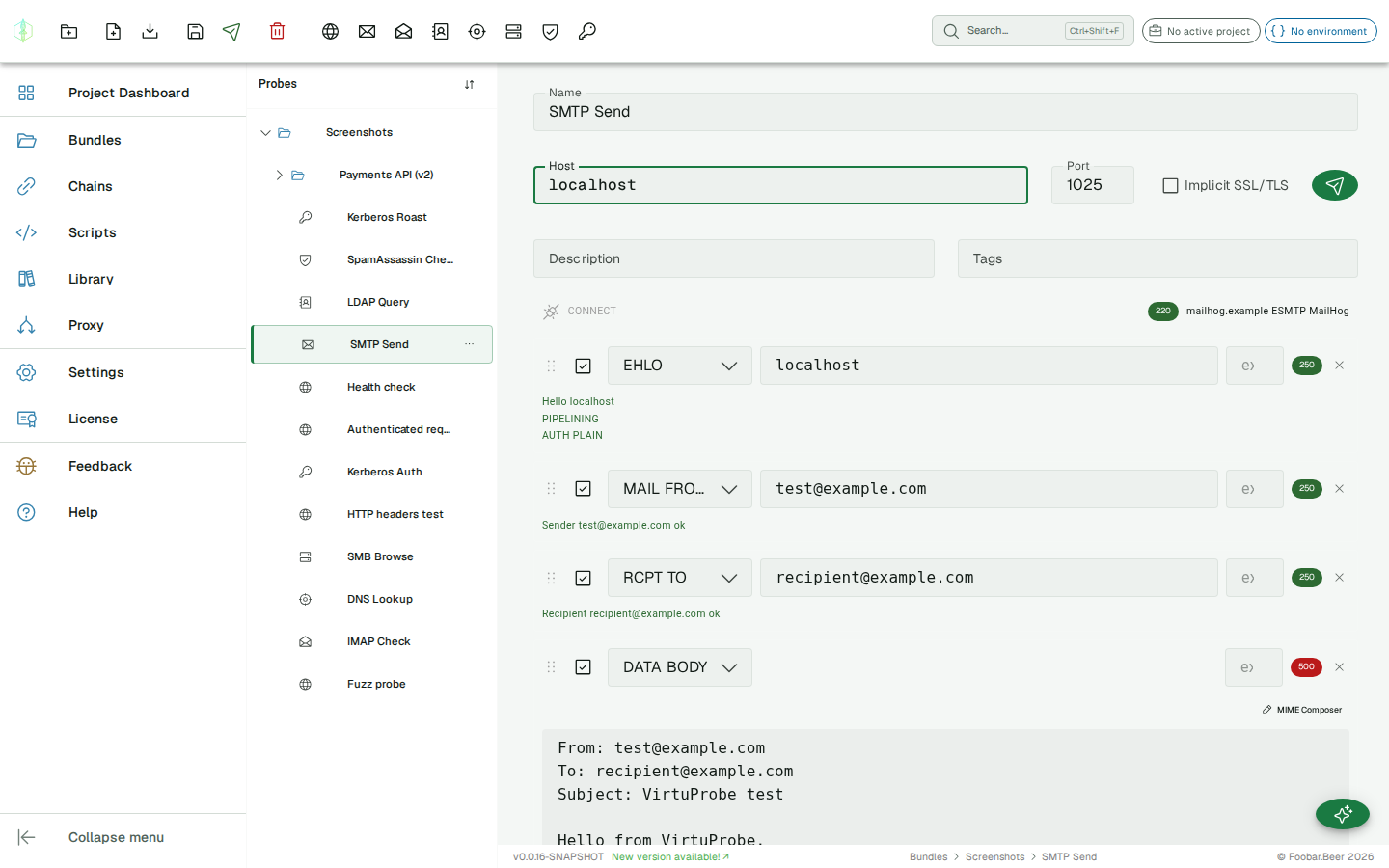
Section titled “AUTH helper”The AUTH helper generates the base64-encoded credential string for PLAIN and LOGIN auth. Click the helper icon next to an AUTH command to open it. The generated value is written directly into the command’s data field.
MIME composer
Section titled “MIME composer”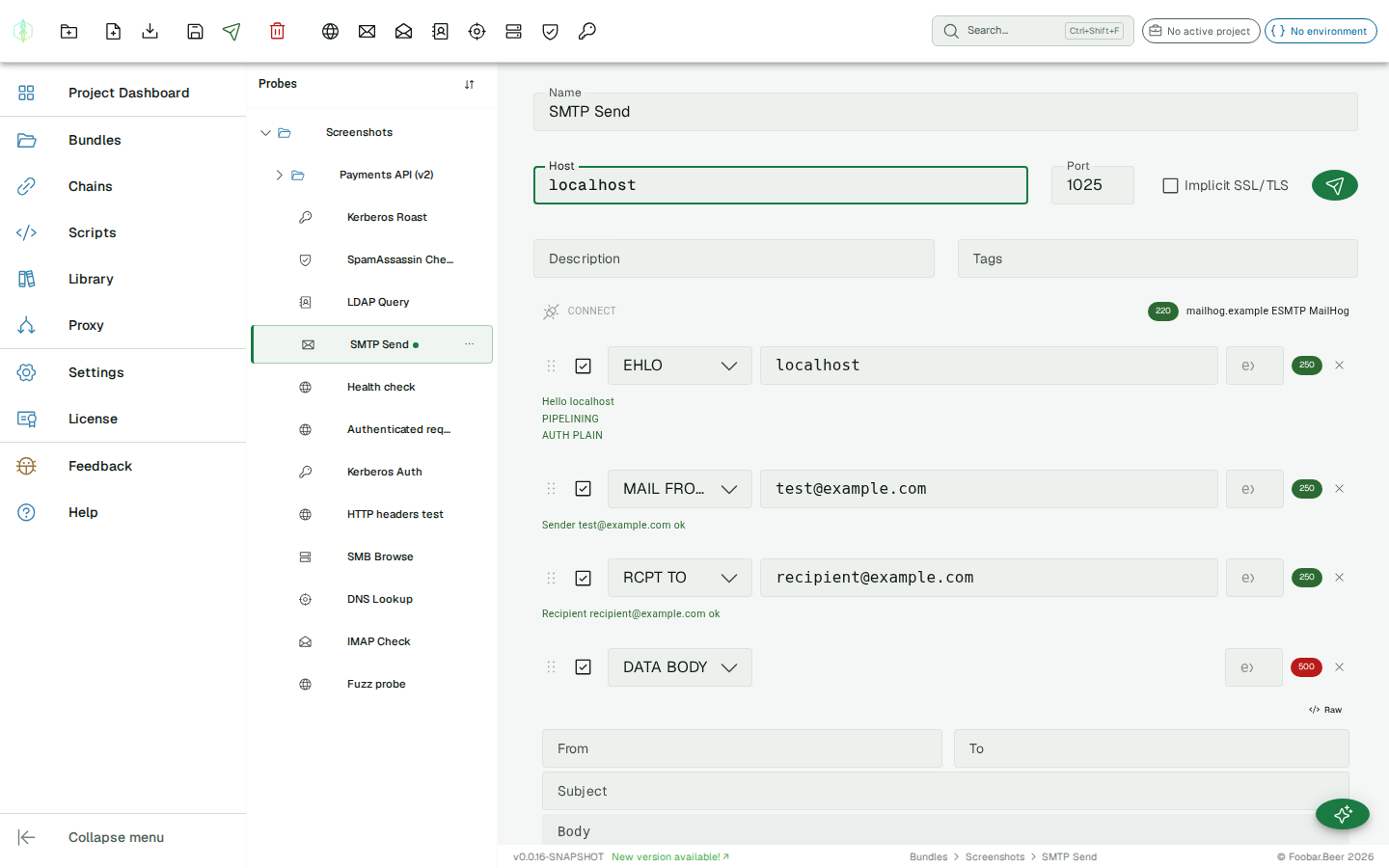
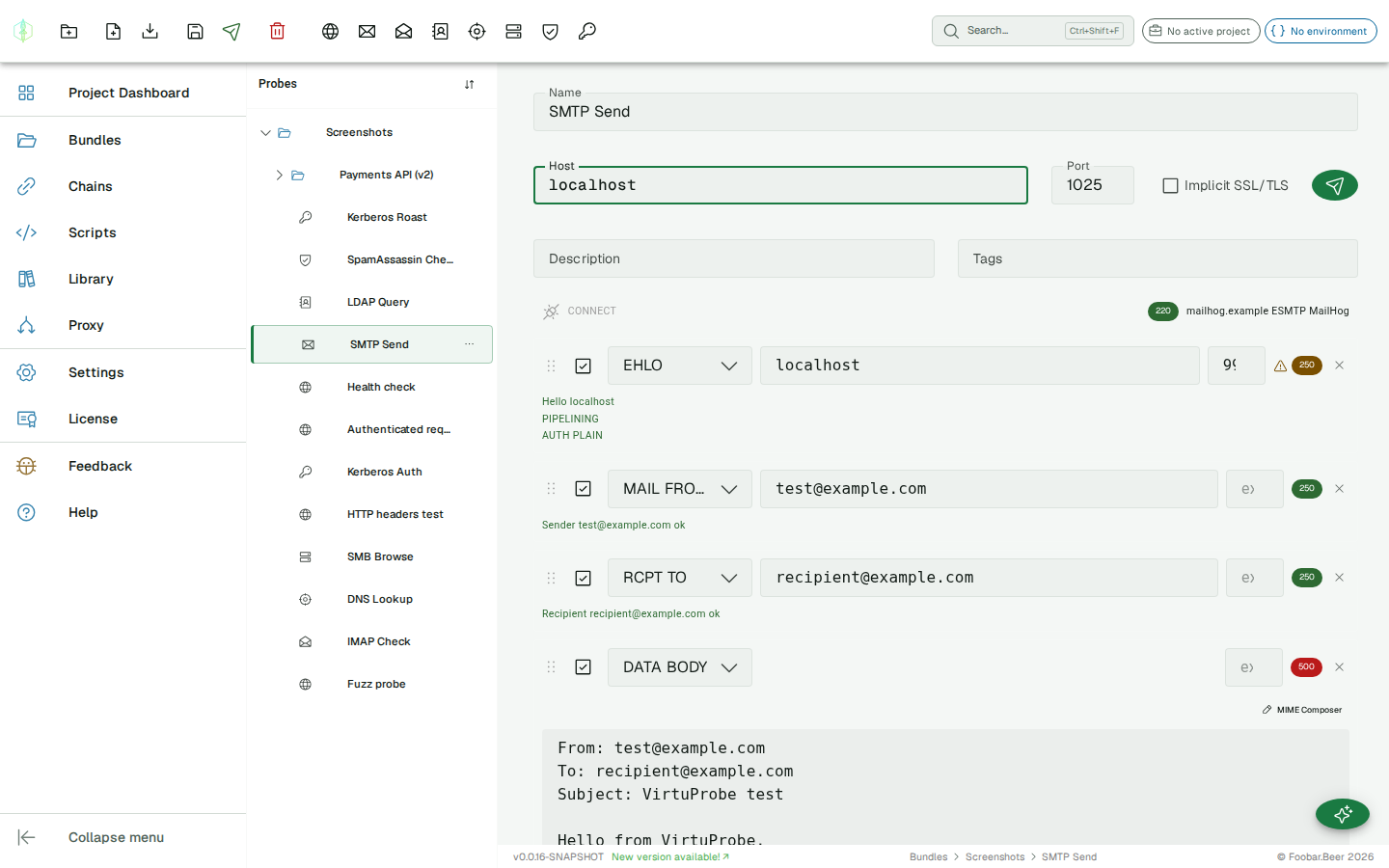
For the DATA_BODY command, the MIME composer helps you build a valid RFC 5322 message with From, To, Subject, and body. The composed message is written into the command’s data field.
Assertions
Section titled “Assertions”Set an expected response code on any command. If the actual code from the server differs, the history entry is marked as failed.
Variable substitution
Section titled “Variable substitution”{{variable}} placeholders are supported in the host field and in each command’s data field.
History
Section titled “History”The history panel shows the full exchange for each past send. Commands are matched to history entries by their command string, so reordering or adding commands between runs does not scramble the history view.