Projects
A project is a named scope. It holds its own environments and credentials, and it gathers the bundles that belong to it. A project does not contain chains, scripts, suites or skills directly: those live in bundles, and it is the bundle that belongs to a project. Setting a project active is how you narrow the whole workspace to the work in front of you.
The active project
Section titled “The active project”One project is always the active project, shown as a chip in the app bar at all times. The active project decides what the Project Explorer shows: the project’s bundles, plus every free bundle, together with the probes, chains, scripts, suites and skills inside them. Switch the active project and the tree, along with every probe and bundle picker, refreshes to that project.
A new chain, script, suite or skill lands in the bundle you have selected, or in the active project’s Default bundle when nothing is selected, so new work belongs to the project you are in. See the scope model for how containment and visibility work.
Switching projects
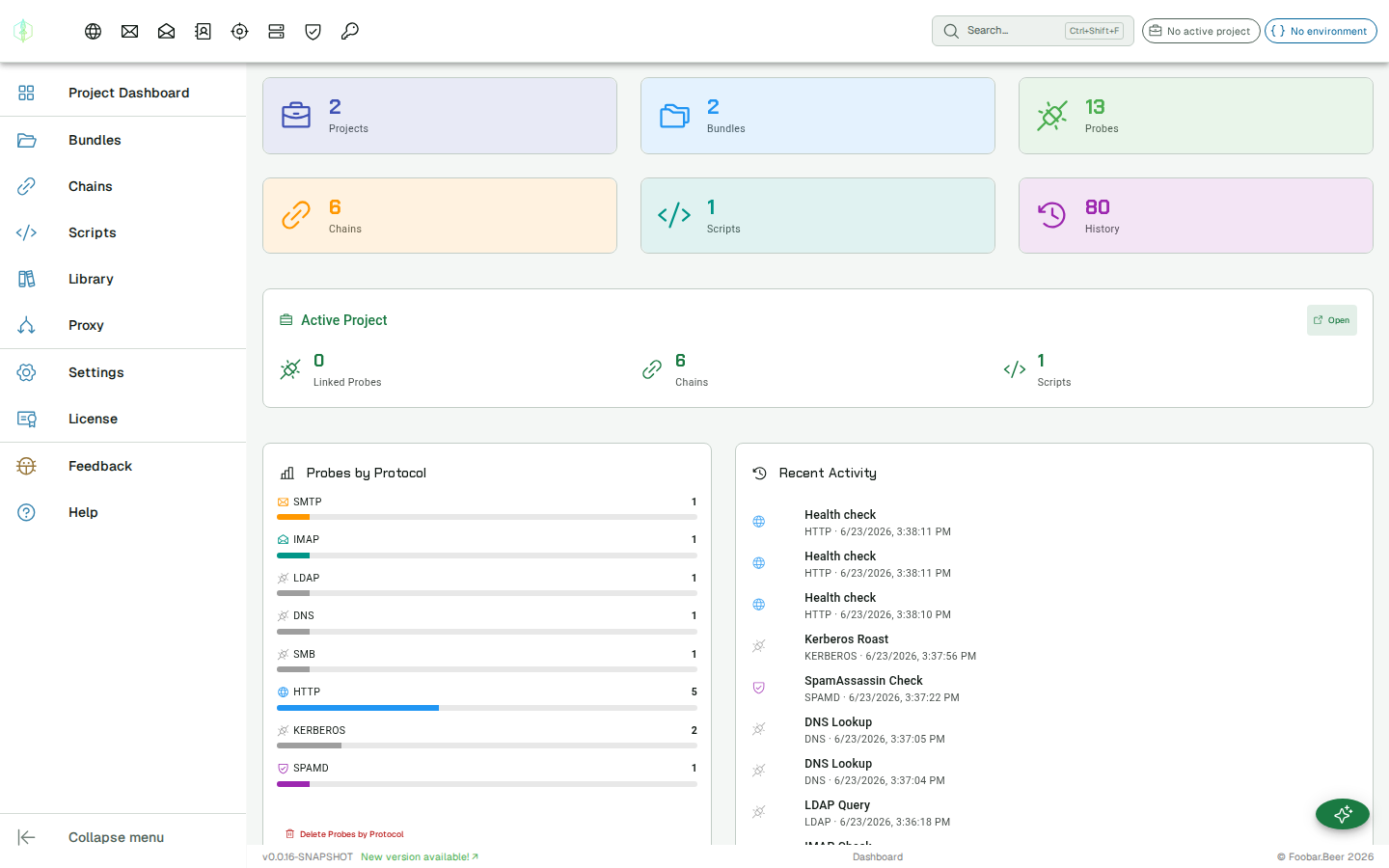
Section titled “Switching projects”Click the project chip in the app bar to open the project picker. It shows all your projects; click any one to make it active. The picker also has shortcuts to add a new project or open the project dashboard.
When you switch to a project, its last-selected environment is restored automatically, including the variable values for that environment.
Environments
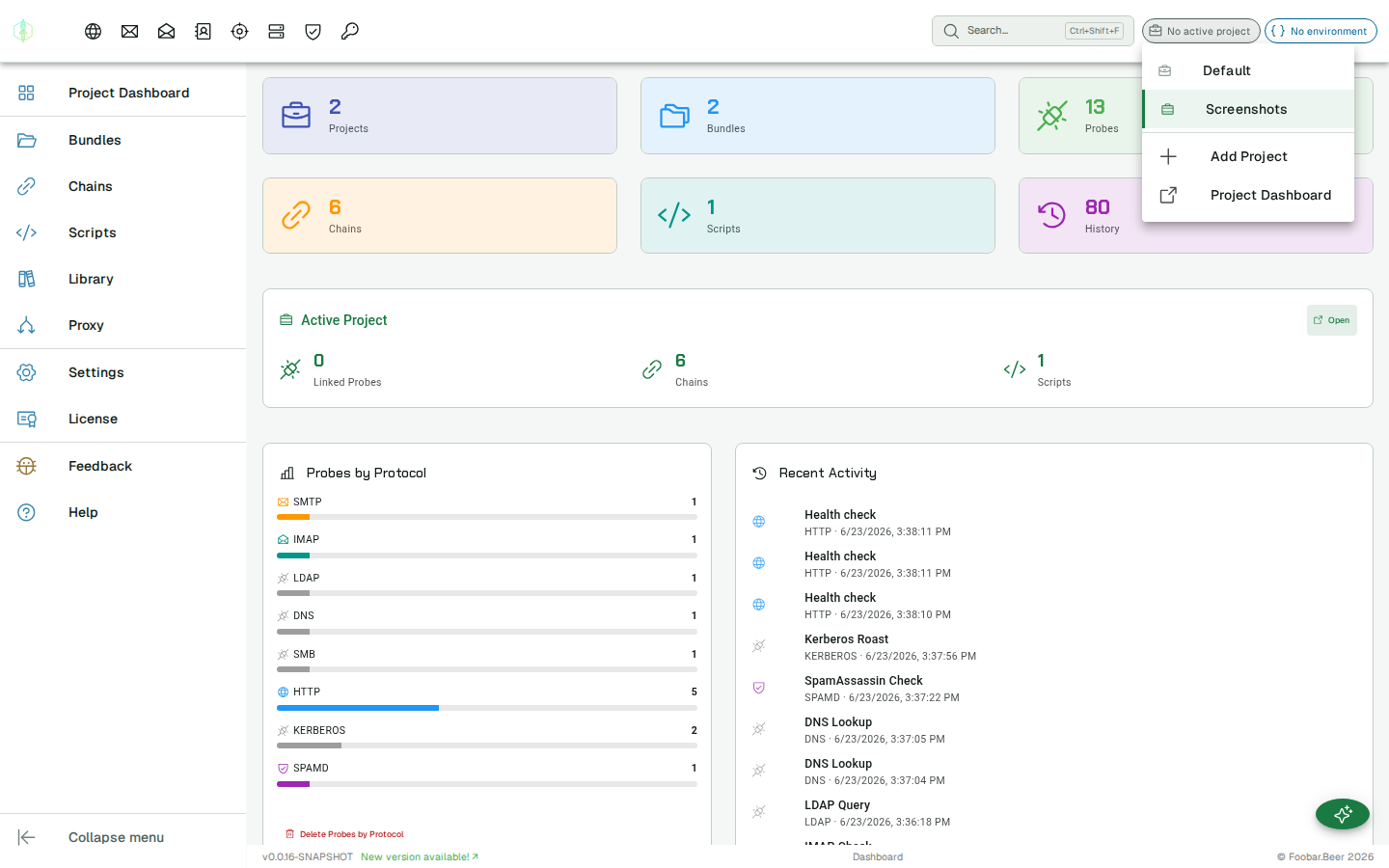
Section titled “Environments”Each project has its own named environments. Click the environment chip in the app bar (next to the project chip) to switch the active environment for the current project.
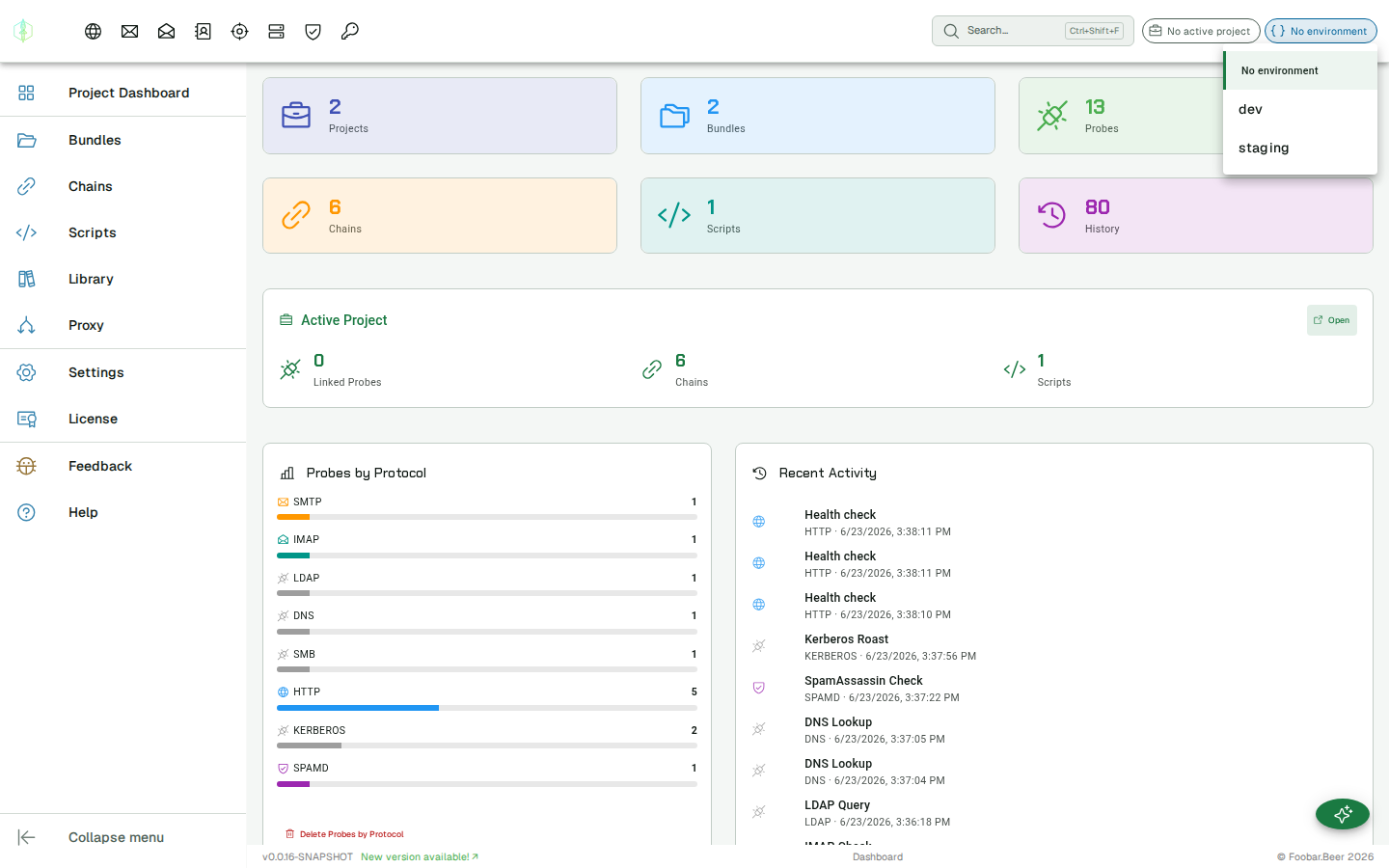
To create or edit environments and their variables, open the project dashboard, where the environment editor is shown inline on the left side of the view. Select an environment to edit its variables, add new environments using the name field at the top, and click Save to apply changes.
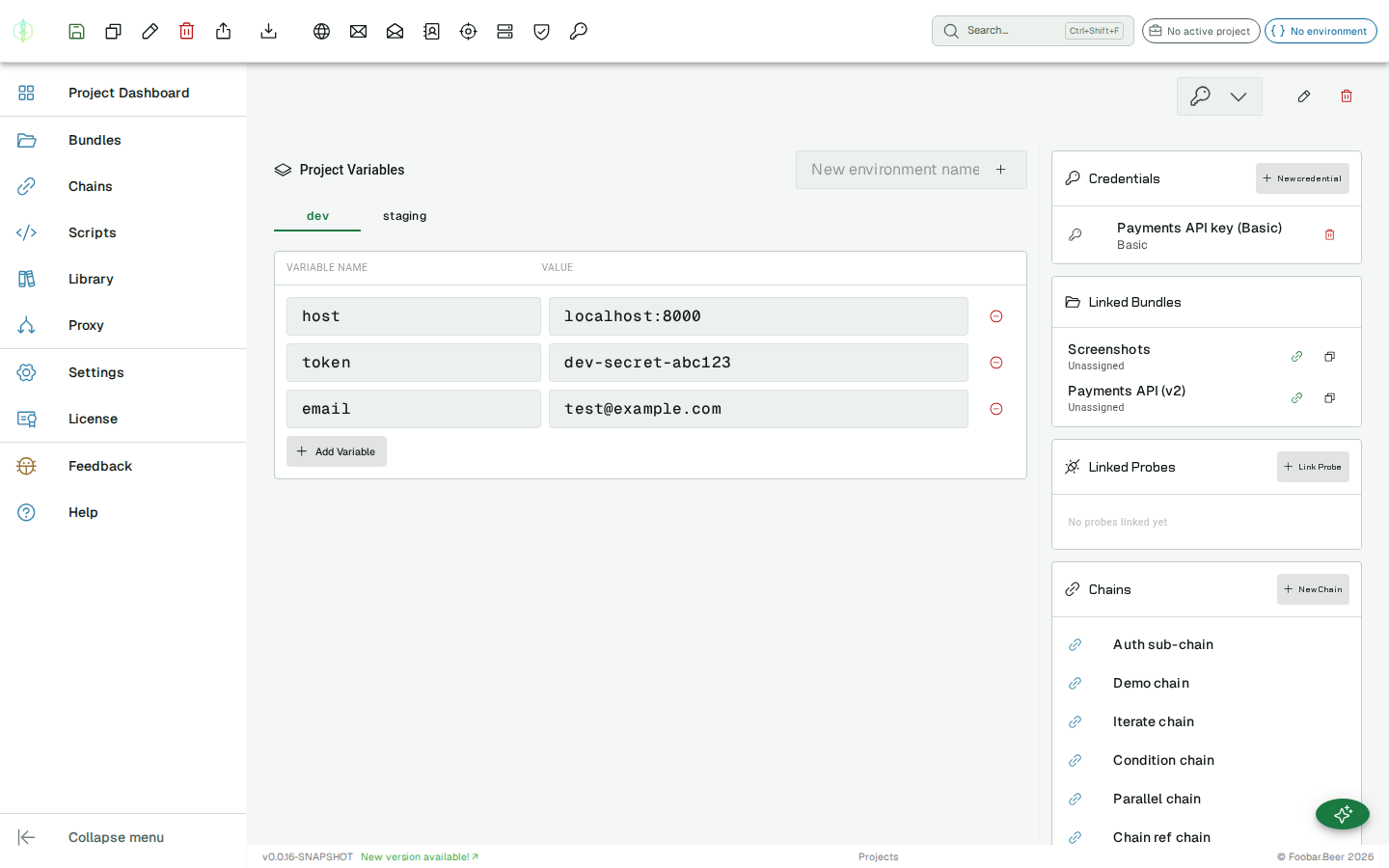
See Environments & Variables for full documentation.
Project dashboard
Section titled “Project dashboard”Click Project Dashboard in the project picker (or navigate via the menu) to open the dashboard for the active project. It has the following sections:
Project bundles
Section titled “Project bundles”Control which bundles belong to this project. Each visible bundle has a checkbox: tick it to link the bundle to the project, untick it to unlink. The list shows bundles that are free (linked to no project) or already linked to this project.
Linking matters because bundles are scoped: a bundle linked to one or more projects only appears in the Project Explorer (and in probe/bundle pickers) when one of those projects is active. A free bundle is always visible. See Bundles → Bundles and projects.
Linked probes
Section titled “Linked probes”Probes from any bundle can be linked to a project for quick reference. Click Link Probe to pick a bundle and then a probe. Linked probes remain owned by their bundle. They are not moved or copied.
Chains
Section titled “Chains”Every chain visible in this project is listed here, that is, every chain in a bundle that is free or linked to the project. Click a chain name to open it. Click New Chain to create one in the project’s Default bundle.
Scripts
Section titled “Scripts”Every script visible in this project is listed here, on the same rule as chains. Click a script name to open it. Click New Script to create one in the project’s Default bundle.
Creating a project
Section titled “Creating a project”Click + Add Project in the project picker in the app bar and enter a name. The new project is set as the active project, ready for you to start building.
On first launch with an empty workspace, a Default project with a Dev environment is created automatically.
Starting a new session
Section titled “Starting a new session”When you open VirtuProbe, the app always starts at the Dashboard and restores the project that was active when you last closed it. The last-selected environment for that project is also restored so variable resolution works immediately without any manual setup.
Renaming and deleting
Section titled “Renaming and deleting”Open the project dashboard and use the pencil icon to rename or the trash icon to delete the active project. Deleting removes the project and its environments. It does not delete any bundles or their contents: probes, chains, scripts, suites and skills all stay in the workspace, in the bundles that held them.