
Installation
VirtuProbe Studio is a self-contained desktop application. Everything it needs is inside the installer, so there is nothing to install alongside it and no server to configure.
Download
Section titled “Download”| Platform | File |
|---|---|
| macOS (Apple Silicon) | virtuprobe-studio-2.9.3-mac-arm64.dmg |
| macOS (Intel) | virtuprobe-studio-2.9.3-mac-x64.dmg |
| Windows | virtuprobe-studio-2.9.3-win-x64.exe |
| Linux (AppImage) | virtuprobe-studio-2.9.3-linux-x86_64.AppImage |
- Open the
.dmgand drag VirtuProbe Studio to Applications. - Launch it from Applications. The build is signed and notarized, so it opens straight away with no Gatekeeper prompt.
Windows
Section titled “Windows”- Download and run
virtuprobe-studio-2.9.3-win-x64.exe. - Windows SmartScreen may show “Windows protected your PC” because the installer is unsigned.
- Click More info, then click Run anyway.
- Follow the setup wizard. VirtuProbe Studio is added to the Start menu.
Linux (AppImage)
Section titled “Linux (AppImage)”- Download the
.AppImagefile. - Make it executable:
Terminal window chmod +x virtuprobe-studio-2.9.3-linux-x86_64.AppImage - Run it:
Terminal window ./virtuprobe-studio-2.9.3-linux-x86_64.AppImage --no-sandbox
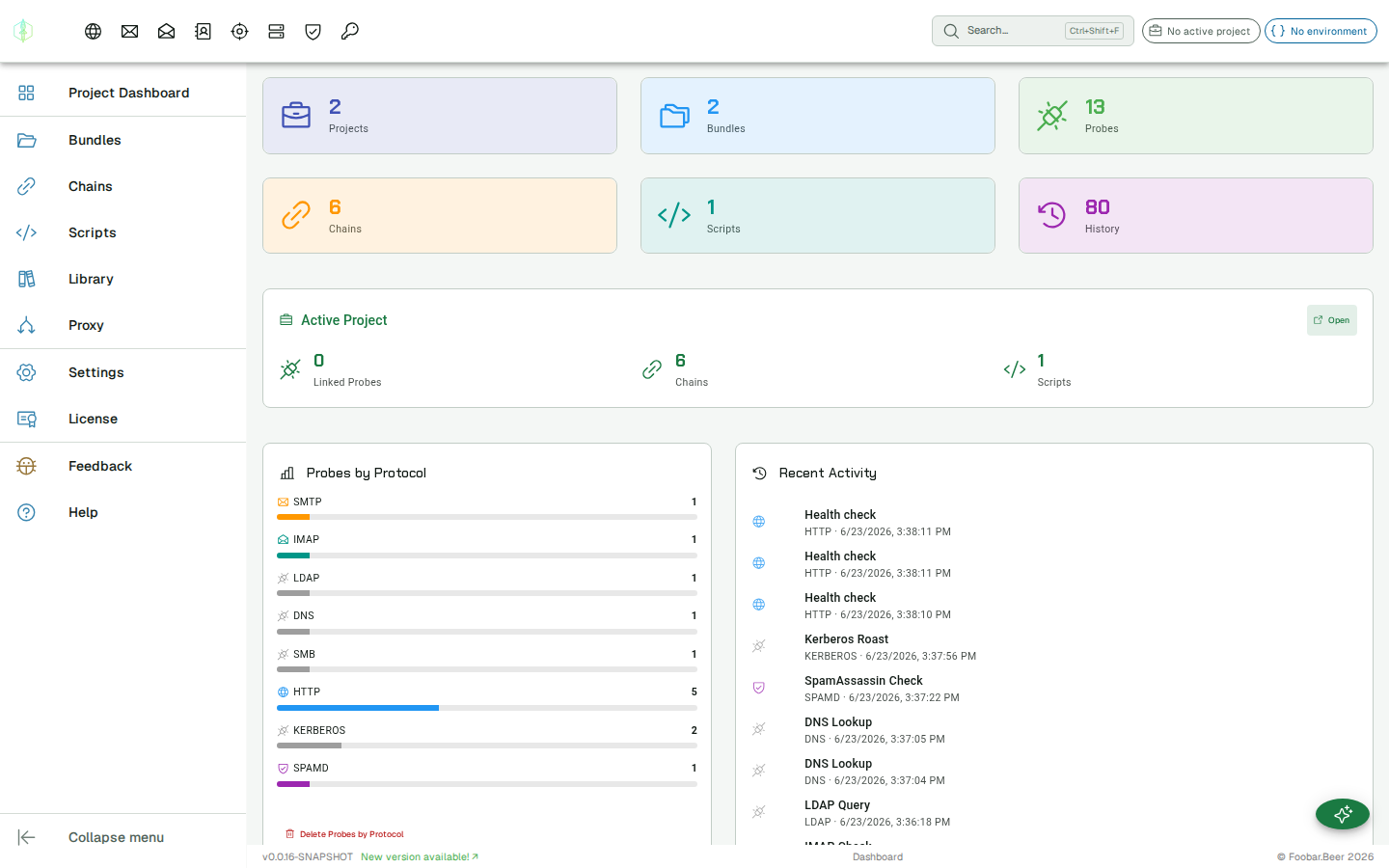
First launch
Section titled “First launch”On first launch, VirtuProbe creates a local database to store your projects and probes. No account or internet connection is required to start using the tool.
Verifying the download
Section titled “Verifying the download”Each installer has a corresponding .sha256 file published alongside it. To verify the integrity of what you downloaded:
macOS / Linux
Section titled “macOS / Linux”# Download the sha256 file alongside the installer, then:sha256sum --check virtuprobe-studio-2.9.3-linux-x86_64.AppImage.sha256# or on macOS:shasum -a 256 --check virtuprobe-studio-2.9.3-mac-arm64.dmg.sha256Windows (PowerShell)
Section titled “Windows (PowerShell)”# Compute the hash of the downloaded file:Get-FileHash virtuprobe-studio-2.9.3-win-x64.exe -Algorithm SHA256
# Compare against the contents of the .sha256 file:Get-Content virtuprobe-studio-2.9.3-win-x64.exe.sha256The .sha256 files are available at the same path as the installer, with .sha256 appended. For example:
https://dl.virtuprobe.studio/latest/win/virtuprobe-studio-2.9.3-win-x64.exe.sha256https://dl.virtuprobe.studio/latest/mac/virtuprobe-studio-2.9.3-mac-arm64.dmg.sha256https://dl.virtuprobe.studio/latest/linux/virtuprobe-studio-2.9.3-linux-x86_64.AppImage.sha256